An Operating System (OS) is the a software program that works as the interface between the user and the hardware. Examples of Operating Systems are Windows XP/Vista, Linux, Mac OS/X, and Unix. Modern Operating Systems support multiple programs (processes) and multiple users at one time. The OS manages everything on the computer such as: programs that are running (processes), files that are open, network connections, users who are logged on (and their processes, files, etc), memory usage, etc.

A process is a program that is currently running (executing) on a computer. Every process running has a unique number associated with it called a Process Identifier (PID). This allows the Operating System to keep track of each process. A process that is running is currently in main memory or Random Access Memory (RAM).
Random Access Memory (RAM) or main memory is a volatile form of computer storage that for items that are currently being used on the computer. Processes (and data needed by the processes) that are currently running must be in RAM in order for them to run.

A Hard Disk or Hard Drive is a piece of hardware that is used for longterm storage. Every time you save documents and pictures they are on the hard drive.

A Central Processing Unit (CPU) is hardware that is the brain of the computer. All instructions by programs running on the computer are processed by the CPU.
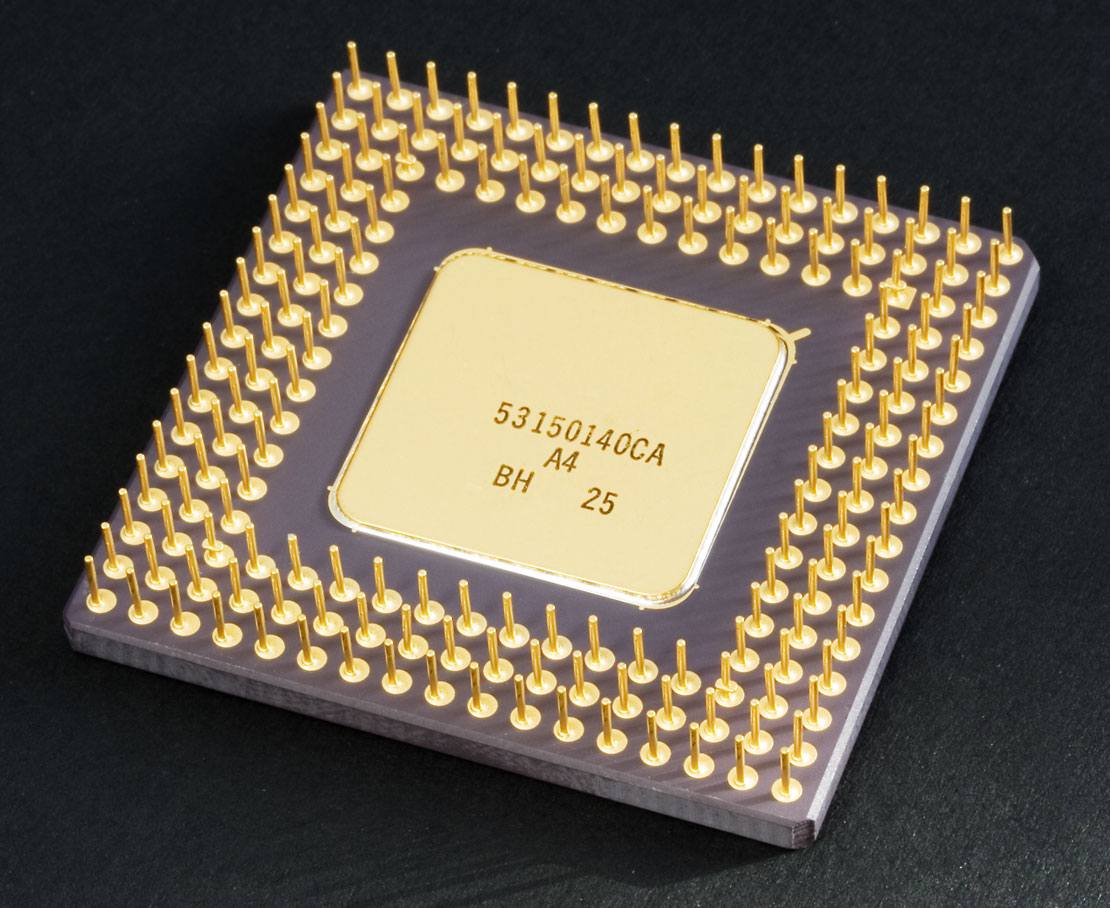
A user is someone who is currently using the computer or programs on the computer.
A programmer is someone who creates computer programs. Programs are created using programming languages. Some example programming languages are C, C++, Java, Perl, and Python.
Binary is a numerical system that contains only 1's and 0's and is the basis representing ``On'' and ``Off'' switches in computer circuits. This is what the computer understands and speaks as a native language. Most computers use the ASCII encoding scheme to represent characters. You can find a table of these values here.
Hex (short for hexadecimal) is a base-16 numerical system that contains the characters 0-9 and A-F.
A Network Interface Card (NIC) is a piece of hardware that allows a computer to communicate on a computer network.
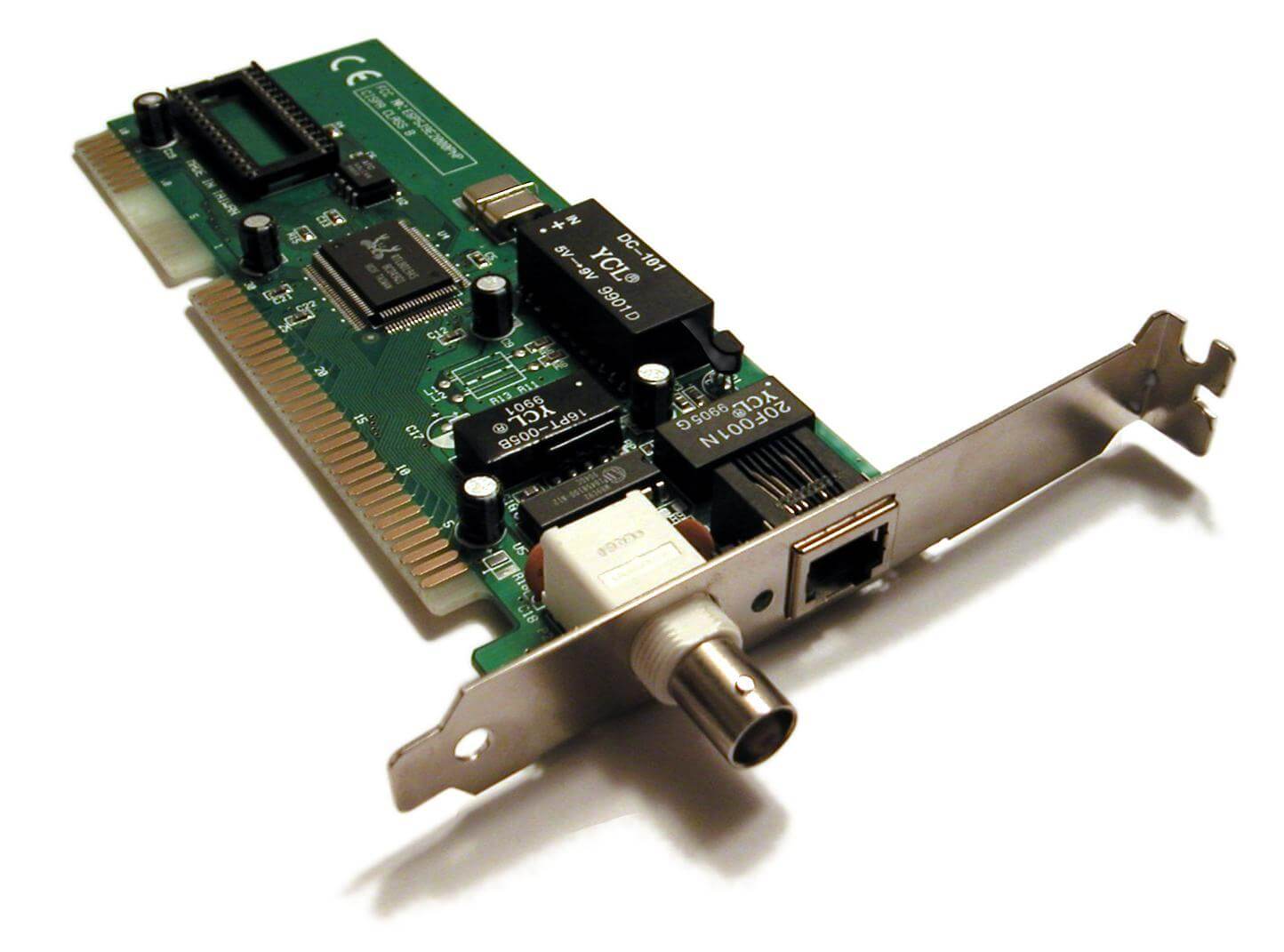
An Internet Protocol (IP) address is a numerical address for a computer on a network. An example of an IP address might be: 192.168.0.99
A Media Access Control (MAC) address is the hardware address of a computer on a network. It is assigned by the maker of the computer's NIC card. An example of a MAC address might be: 00:3G:2D:10:AF:7E
A Port is the result of a program on a computer that is connected to the network. This results in an ``opening'' on the computer to the network. There are 65536 ports numbered from 0 to 65535. Well known ports range from 0-1023, which means that we can usually tell which programs are running if we see these ports are open. This doesn't mean that these programs can change ports, however, just that they normally run on these known ports. Here you can find a list of known port numbers. Here is a look at nmap being used to see the open ports on a computer:
# nmap -O 192.168.0.10
Starting Nmap 4.52 ( http://insecure.org ) at 2008-09-10 00:14 EDT
Interesting ports on 192.168.0.10:
Not shown: 1709 closed ports
PORT STATE SERVICE
135/tcp filtered msrpc
137/tcp filtered netbios-ns
138/tcp filtered netbios-dgm
139/tcp filtered netbios-ssn
445/tcp filtered microsoft-ds
MAC Address: 00:XX:XX:AA:99:44 (Intel)
Device type: general purpose
Running: Microsoft Windows 2003|XP
Too many fingerprints match this host to give specific OS details
Network Distance: 1 hop
OS detection performed. Please report any incorrect results at http://insecure.org/nmap/submit/ .
Nmap done: 1 IP address (1 host up) scanned in 15.992 seconds
Transmission Control Protocol (TCP) is a connection oriented network connection (like a phone call). For more information see Wikipedia.
User Datagram Protocol (UDP) is a connectionless network connection (like the mail). For more information see Wikipedia


No comments:
Post a Comment